A signup sheet for who's bringing what.
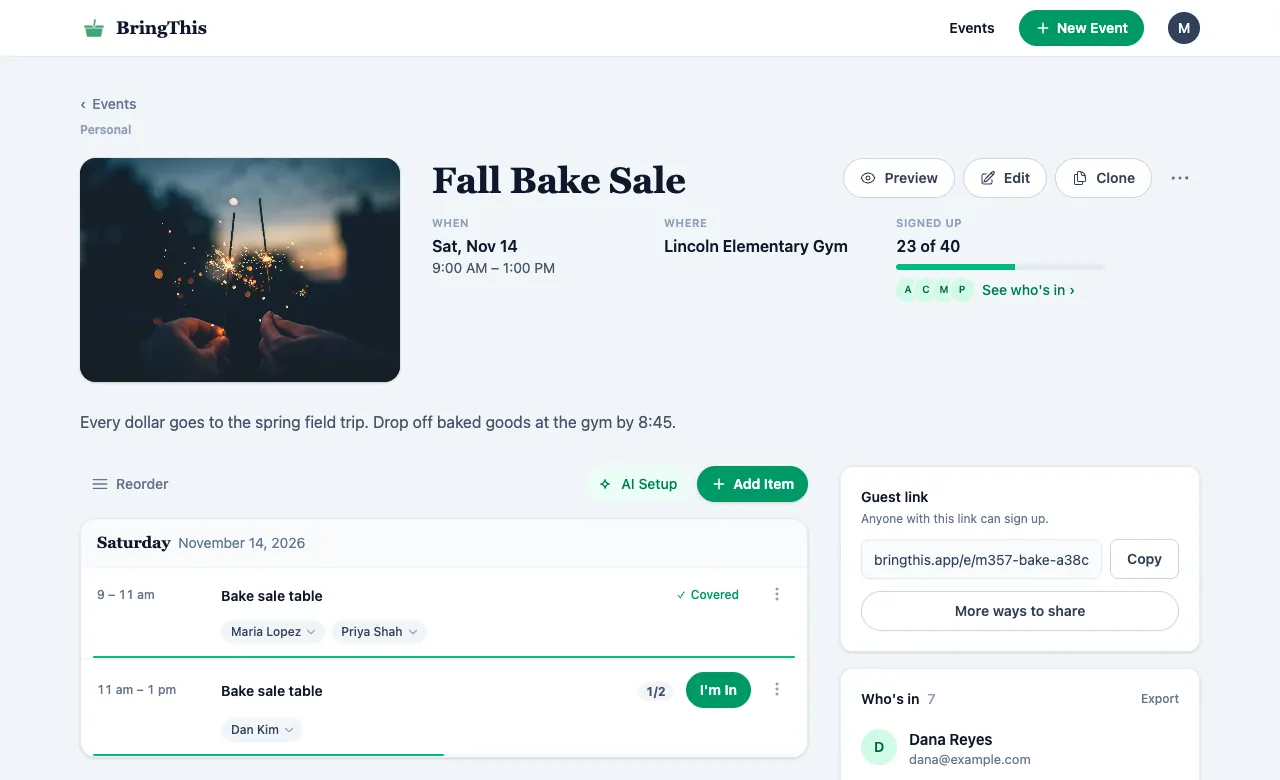
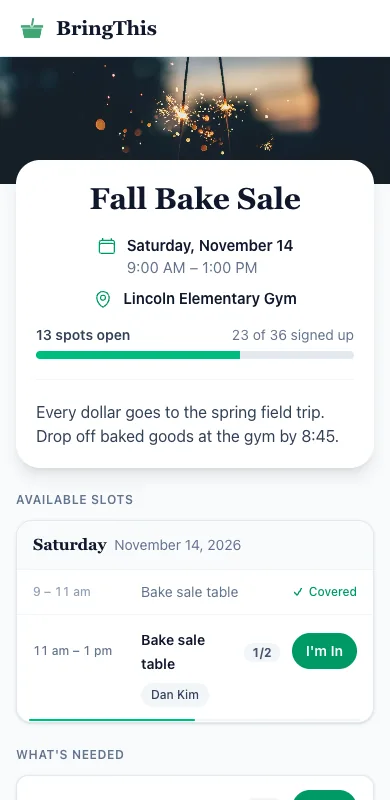
List what your event needs and share one link. Guests tap I'm In on their phone, with no account.
Make your first event
Free for individuals. Upgrade only if you create a group.
How it works
-
List what you need
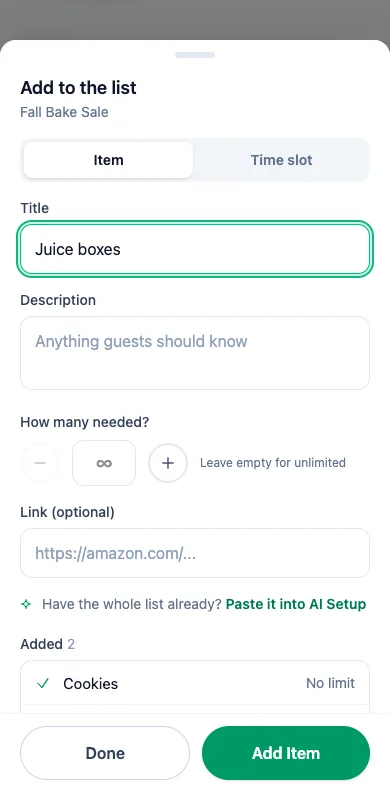
Type an item and press Enter, then the next one. Add time slots for shifts.
-
Share one link
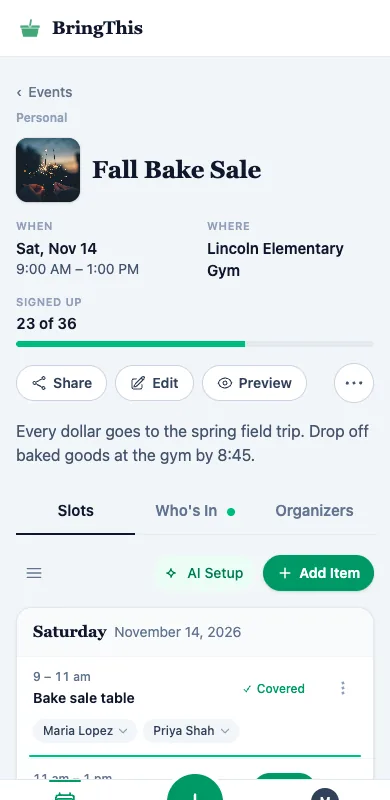
Text it, email it, or print the QR code. Every signup shows up on your page.
-
Guests sign up
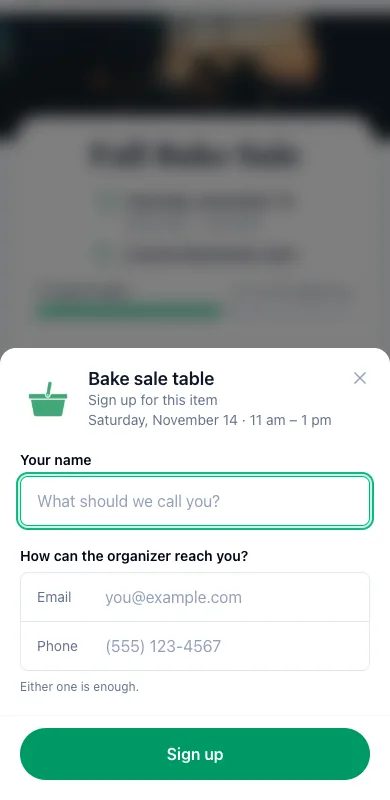
A name and an email or phone. No account, no app, no password.
Also in BringThis
- Paste a list you already have
- Copy it from an email or your notes. AI Setup turns it into items you check before they're added.
- Guests can change their mind
- Each guest gets a link to change or cancel their signup. On a paid plan, they also get a reminder the day before.
- More than one organizer
- Invite someone to run the event with you. You both see every signup.
- Groups
- For a PTA, a team or a church: everyone's events in one place, with one public page. See group plans